Cambodia eVisa Application Language: Yes, the Form Is in English for Aussies (2026)
Yes — the Cambodia eVisa application is in English. Khmer is the secondary language for local applicants. Aussie travellers can fill every field in plain English with no translation tool needed. Here is what 'Given names' means, how O'Brien-style apostrophes work, and the rare Khmer-error fix.

Is the Cambodia eVisa application in English for Australian travellers?
Yes — the Cambodia eVisa application is presented in English as its primary language. Khmer is the secondary language for local Cambodian applicants. Every field label, dropdown option, validation message and confirmation email is in standard English. Australian travellers do not need any translation tool to apply. The form costs $80 USD (~$122 AUD) all-in for tourist, $90 USD (~$137 AUD) all-in for business, and is approved in 3 business days, delivered as a printable PDF by email.
Основные выводы
- The Cambodia eVisa application is presented in English as the primary language. Khmer is the secondary language for local Cambodian applicants. Australian travellers fill every field in plain English with no translation tool needed.
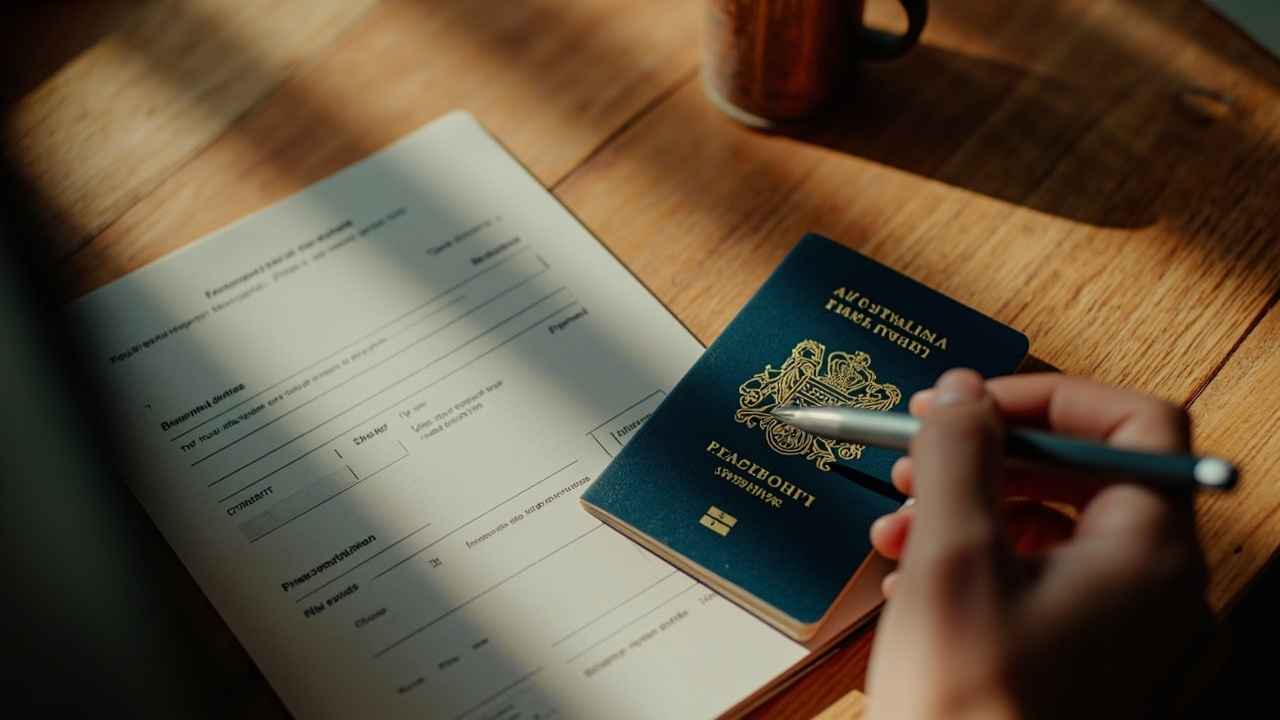
- Given Names is the form's term for everything on your Australian passport that is not your surname — first name plus any middle names. Type them exactly as printed, including spaces, with no abbreviations.
- Apostrophes in O'Brien-style Aussie surnames must be straight (') not curly (’). Most mobile keyboards auto-correct to a curly typographic apostrophe — switch the smart-quotes setting off, or paste a straight apostrophe from a plain text app.
- Hyphenated double-barrelled names (Smith-Jones, Williams-Lee) are accepted as one surname with the hyphen kept exactly as on your passport. Do not split them across surname and given-name fields.
- If a Khmer-only error message appears (very rare in 2026), point your phone's Google Translate camera at the screen for an instant English overlay, then act on the translated instruction.
English is the primary language of the Cambodia eVisa application
Cambodia's official online visa application is built English-first. When an Australian visits the apply page, every field label, every dropdown option, every validation message and every confirmation email arrives in standard English. Khmer sits as a secondary toggle for local Cambodian applicants and overseas Khmer speakers — Aussies will never need it. No translation tool, no browser auto-translate, no copy-paste into Google Translate. If you can read this article, you can fill the form. For anyone weighing up whether they need a visa at all before diving in, the do Australians need a Cambodia visa explainer is the one-pager. Our Cambodia eVisa Australian guide pulls all the pieces — cost, documents, processing — into one place.
The English on the form is plain, neutral, and uses standard international phrasing — not Cambodian English idioms. The few terms that may feel unfamiliar to an Aussie eye are global passport-form terms (Given Names, Nationality, Place of Issue) rather than country-specific quirks. The rest of this article walks through those terms in plain English and then handles the two practical edge cases Aussies do hit: apostrophes in O'Brien-style surnames, and the very rare Khmer-only error message.
Why Cambodia's form is English-first
Cambodia receives the bulk of its visa applications from English-speaking travellers — Australia, the UK, the US, Canada, plus India, Singapore, Malaysia and the Philippines where English is the default working language. The Cambodian government built the eVisa system English-first to match that demand. Khmer remains available as a secondary toggle for diaspora and domestic users, but it is genuinely optional. You will never accidentally end up on a Khmer page unless you actively choose to.
Filling each field in plain English — what every label means
The Cambodia eVisa form has roughly fifteen input fields across the application. The English labels are standard but worth a quick walk-through because passport-form terminology is its own dialect and Aussies sometimes second-guess the obvious answer.
Часто задаваемые вопросы
Is the Cambodia eVisa application in English?
Yes. The Cambodia eVisa application is presented in English as the primary language, with Khmer as a secondary toggle for local Cambodian applicants. Every field label, dropdown option, validation message and confirmation email is in standard English. Australian travellers do not need any translation tool to apply. The approval PDF arrives with English and Khmer side-by-side so Aussies can read their visa details normally.
What does 'Given Names' mean on the Cambodia eVisa?
Given Names means everything on your Australian passport that is not your surname — your first name plus any middle names. If your passport reads James Andrew under Given Names, type James Andrew (with the space) into the form. Don't abbreviate, don't drop the middle name because the form looks short, and don't invert the order. Match the passport letter-for-letter.
How do I type an apostrophe for surnames like O'Brien?
Use a straight apostrophe ('), not a curly typographic one. Most phone keyboards auto-correct to the curly character, which doesn't match the printed passport. On iPhone: Settings > General > Keyboard > switch Smart Punctuation off. On Android Gboard: Settings > Text correction > switch Smart punctuation off. On Windows, you can type the apostrophe in Notepad first and paste it across. On Mac, System Settings > Keyboard > Text Input > switch Use smart quotes off.
How do hyphenated surnames work on the Cambodia eVisa?
Hyphenated double-barrelled surnames like Smith-Jones or Williams-Lee are typed as one surname with the hyphen kept exactly as printed on your passport. Don't split them across surname and given-name fields. Don't drop the hyphen and write two words. Don't replace the hyphen with a space.
Do I need to use Google Translate for the Cambodia eVisa?
No. The Cambodia eVisa application is English-first and Aussie travellers will never need a translation tool to fill it in. The only exception is a very rare backend validation message that surfaces in Khmer — usually from a session timeout. A page refresh fixes it most times; if not, point your phone's Google Translate camera at the screen and translate Khmer to English.
What date format does Cambodia eVisa use?
DD/MM/YYYY, the same as Australian convention. 7 July 2026 is 07/07/2026 — never the US MM/DD/YYYY mix-up. The form provides a date-picker calendar in most fields so manual typing is rarely needed, but if you do type, stick to DD/MM/YYYY.
Источники
Did this guide help you?
Из нашего блога

Trip Planning
Что нужно знать перед поездкой в Камбоджу: контрольный список для впервые прибывающих американцев
Первый раз в Камбодже? Вот честный контрольный список для впервые прибывающих американцев — виза, особенности использования долларов США, вопросы безопасности, вакцинации, дресс-код для храмов и как на самом деле будет выглядеть прибытие в новый аэропорт в 2026 году.

Комбинации стран
Из Таиланда в Камбоджу в 2026 году: почему нужно лететь (сухопутные границы закрыты) для граждан США
Все семь сухопутных пунктов перехода между Таиландом и Камбоджей закрыты с июня 2025 года, поэтому в 2026 году единственный способ для американцев попасть из Таиланда в Камбоджу — это самолёт. Вот как работают маршруты Бангкок — Сиемреап и Бангкок — Пномпень, какая камбоджийская электронная виза вам нужна перед посадкой, и почему старый план пересечения границы через Пойпет больше не существует.
Trip Planning
Как добраться из Пномпеня в Сиемриап: автобус, самолёт или паром для американцев
Три способа преодолеть 314 км между столицей Камбоджи и Ангкор-Ват: экспресс-автобус за $15, 45-минутный перелёт или медленный речной паром. Вот сколько каждый из них реально стоит для американского путешественника, сколько времени занимает и какой подходит для вашей поездки.